Wallets
Every wallet below is non-custodial: the keys stay with you. Pick by where you want to use it.
| I want to | Use |
|---|---|
| Run a full node and mine | Neurai-QT |
| A light desktop wallet | Electrum |
| A wallet on my phone, with DePIN chat and post-quantum addresses | Neurai Wallet |
| Sign in to sites and hold assets from the browser | Neurai Sign |
| No install, any browser, mainnet or testnet, works with the ESP32 hardware wallet | Web Wallet |
| A commercial hardware wallet | OneKey |
Write down the recovery phrase as soon as the wallet is created and keep it offline. To be sure the backup works, restore the wallet from it once before sending funds.
Comparison
Features
| Neurai-QT | Electrum | Neurai Wallet | Neurai Sign | Web Wallet | OneKey | |
|---|---|---|---|---|---|---|
| Custody | Self | Self | Self | Self | Self | Self |
| Full blockchain | Yes | No | No | No | No | No |
| BIP39 recovery phrase | Yes | Yes | Yes | Yes | Yes | Yes |
| Assets | Yes | Yes | Yes | Yes | Yes | No |
| DePIN chat | No | No | Yes | Yes | Yes | No |
| Post-quantum addresses | No | No | Yes | Yes | No | No |
| ESP32 hardware wallet | No | No | Yes | No | Yes | No |
| Open source | Yes | Yes | Yes | Yes | Yes | Yes |
| Backend | Own node | ElectrumX | wallet-services or RPC | RPC proxy | RPC proxy | Blockbook |
| SLIP-44 coin type | 0 | 0 | 1900 | 1900 | 0 | 1900 |
Platforms
| Platform | Neurai-QT | Electrum | Neurai Wallet | Neurai Sign | Web Wallet | OneKey |
|---|---|---|---|---|---|---|
| Windows | Yes | Yes | No | No | No | Yes |
| Linux | Yes | Yes | No | No | No | Yes |
| macOS | No | Yes | No | No | No | Yes |
| Android | No | No | Yes | No | No | Yes |
| iOS | No | No | Yes | No | No | Yes |
| Browser | No | No | No | Chrome, Firefox | Any | Yes |
Coin type 0 wallets and coin type 1900 wallets derive different addresses from the same phrase. Restore a phrase in a wallet of the same family, or move the funds.
Neurai-QT
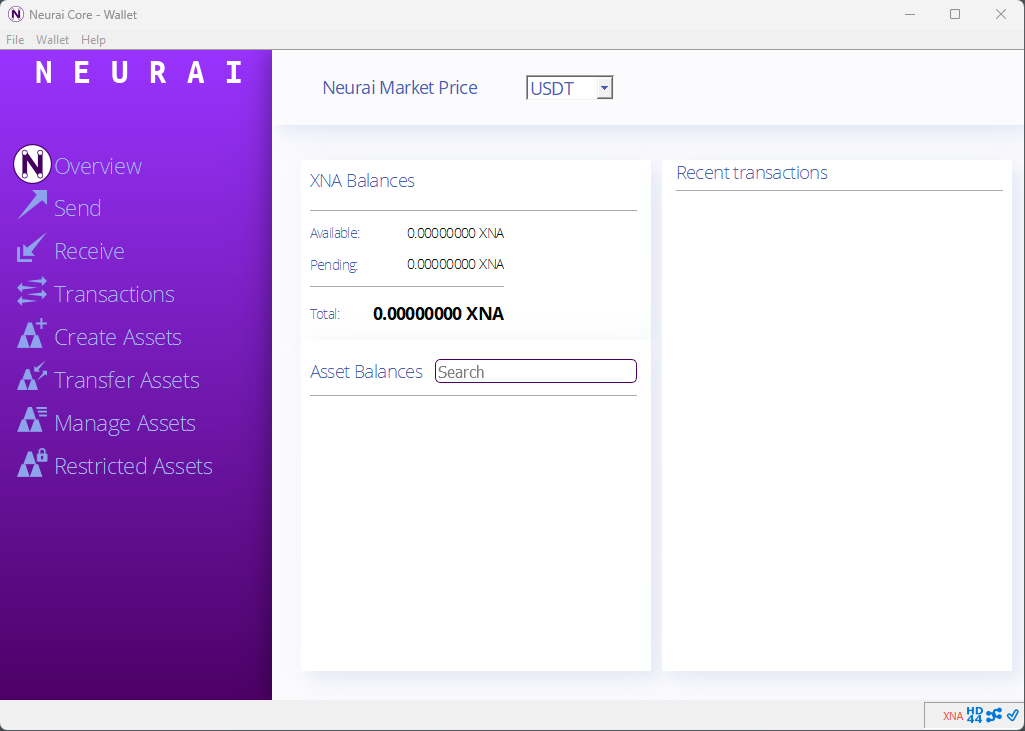
The reference wallet with the full node inside. The first sync downloads the whole chain, and from then on you depend on nobody: your node validates every block, serves your wallet and can mine or run a DePIN pool.
- Best for: miners, node operators, anyone who wants full validation.
- Trade-off: disk space and the initial sync time.
- Version 1.0.6: Windows · Linux · All releases
- Guide: How to use Neurai-QT
Electrum
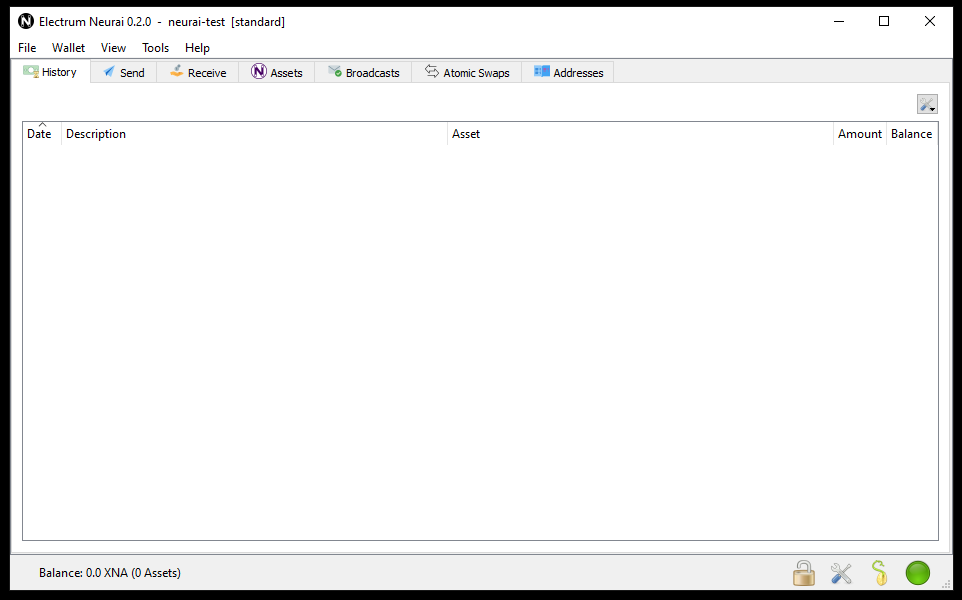
Light desktop wallet with asset support. It verifies transactions against public ElectrumX servers, so it is ready in seconds and needs no blockchain download.
- Best for: everyday desktop use on Windows, macOS and Linux.
- Version 0.2.2: Windows installer · Windows portable · Linux AppImage · macOS 0.2.0
- Guide: How to use Electrum
Neurai Wallet
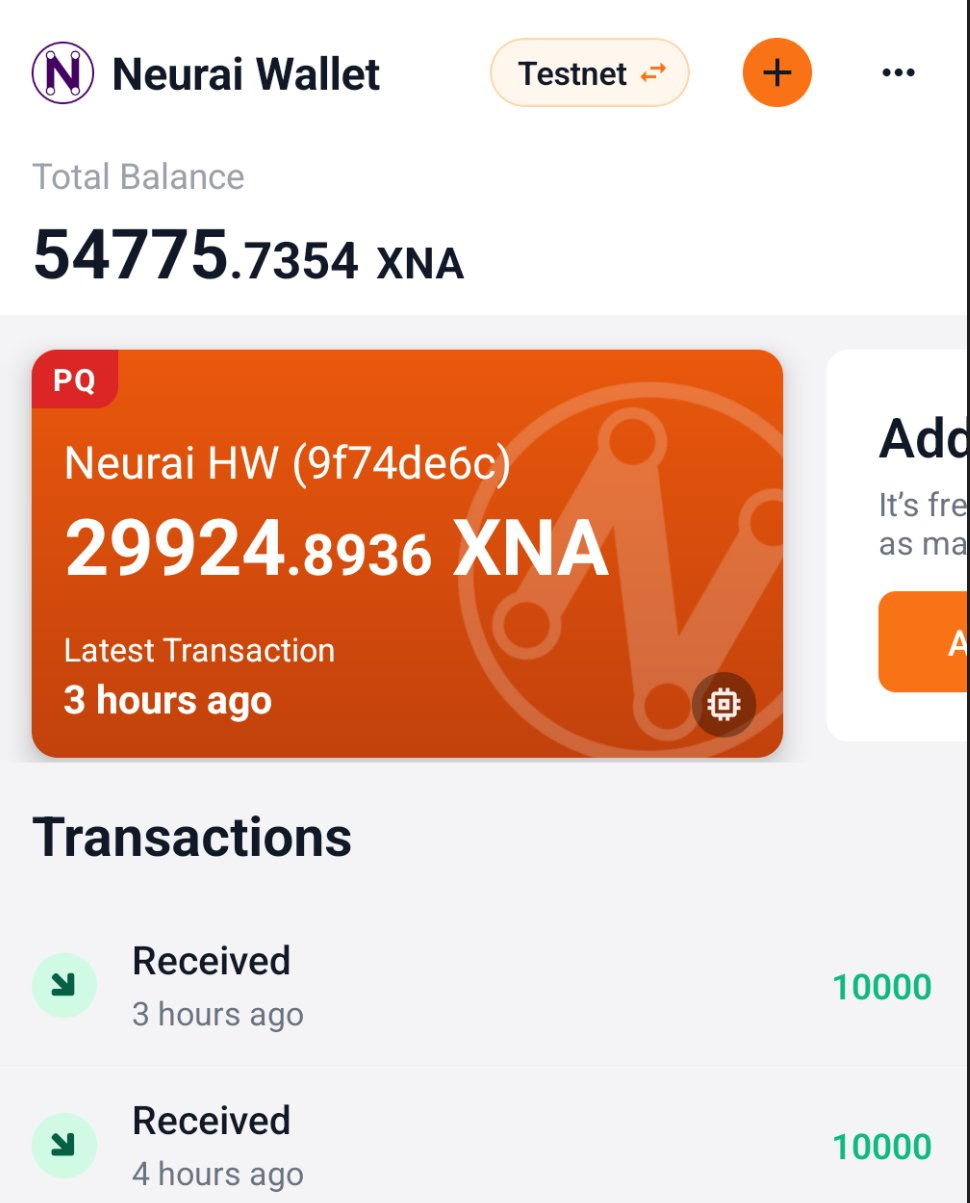
The mobile wallet for Android and iOS, built by the Neurai team on the BlueWallet code base with Neurai's own wallet, asset and messaging layers. Keys are generated on the phone and stored in the platform keystore.
- HD wallets from a 12-word phrase, plus post-quantum wallets signed with ML-DSA-44 on
nq1…addresses. - Neurai HW: connect the ESP32 hardware wallet over USB. The device keeps the seed and signs; the phone builds and broadcasts. The
PQbadge on a wallet card means a post-quantum account. - Assets of every type listed per wallet and sendable from the Send screen, including DePIN assets.
- DePIN chat: a token-gated, end-to-end encrypted conversation per DePIN token, with a dedicated chat identity.
- Neurai Connect: scan a QR to sign in to a site or open a dApp session, with the private key never leaving the phone.
- Mainnet and testnet, legacy and post-quantum, switchable from Settings.
- Version 1.1.1: Releases · Source
Neurai Sign
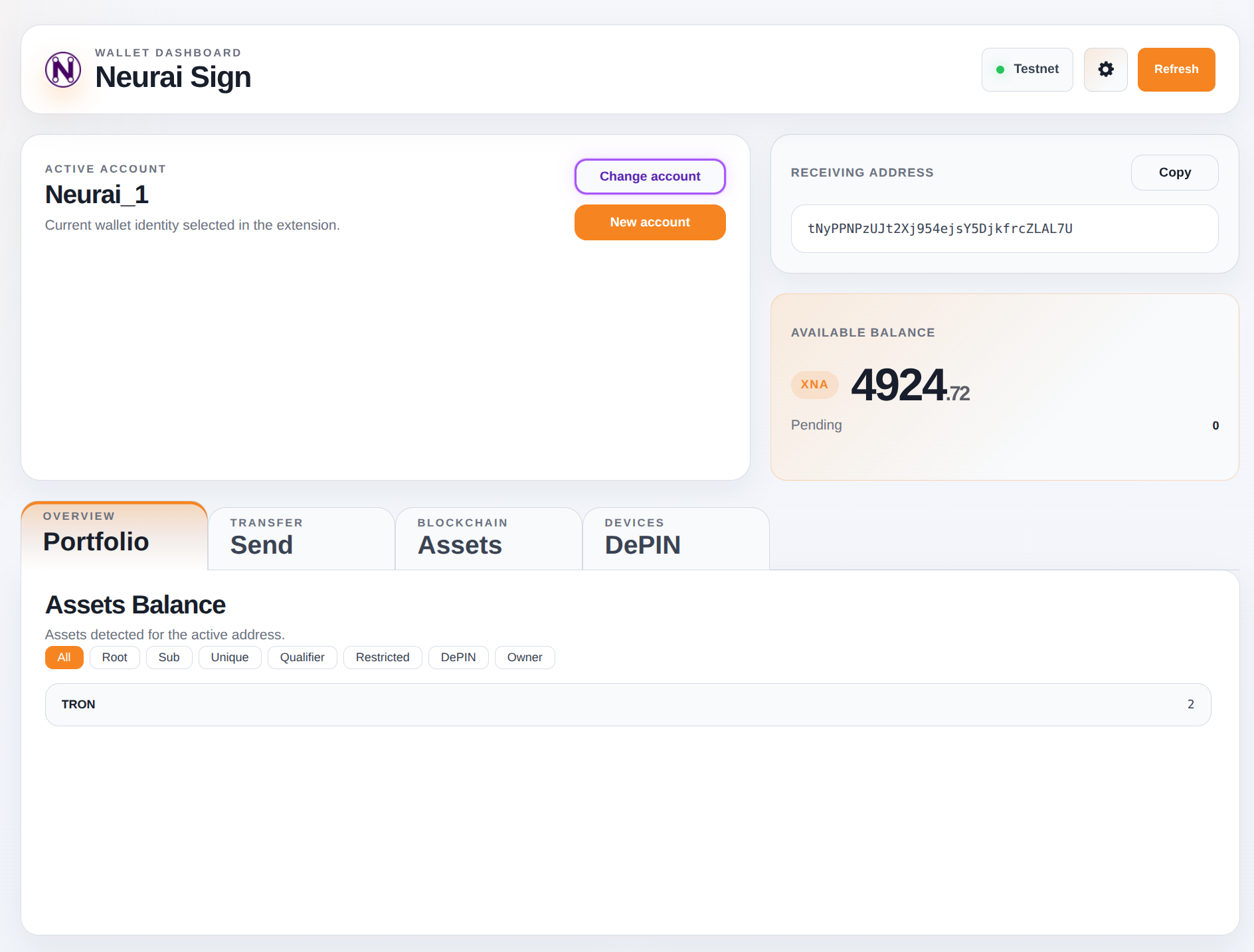
A browser extension for Chrome and Firefox that keeps Neurai keys and signs on your behalf. Websites talk to it through window.neuraiWallet, and every signature request is approved in a popup and kept in a history with its origin.
- Multi-account with PIN protection and auto-lock. Legacy and AuthScript post-quantum accounts.
- Balance and assets for the active address, filterable by type, with a DePIN tab for devices.
- Client-side only: nothing is signed on a server, and the build forbids RPC signing paths.
- Version 0.12.0: Chrome Web Store · Firefox Add-ons · Source
Web Wallet
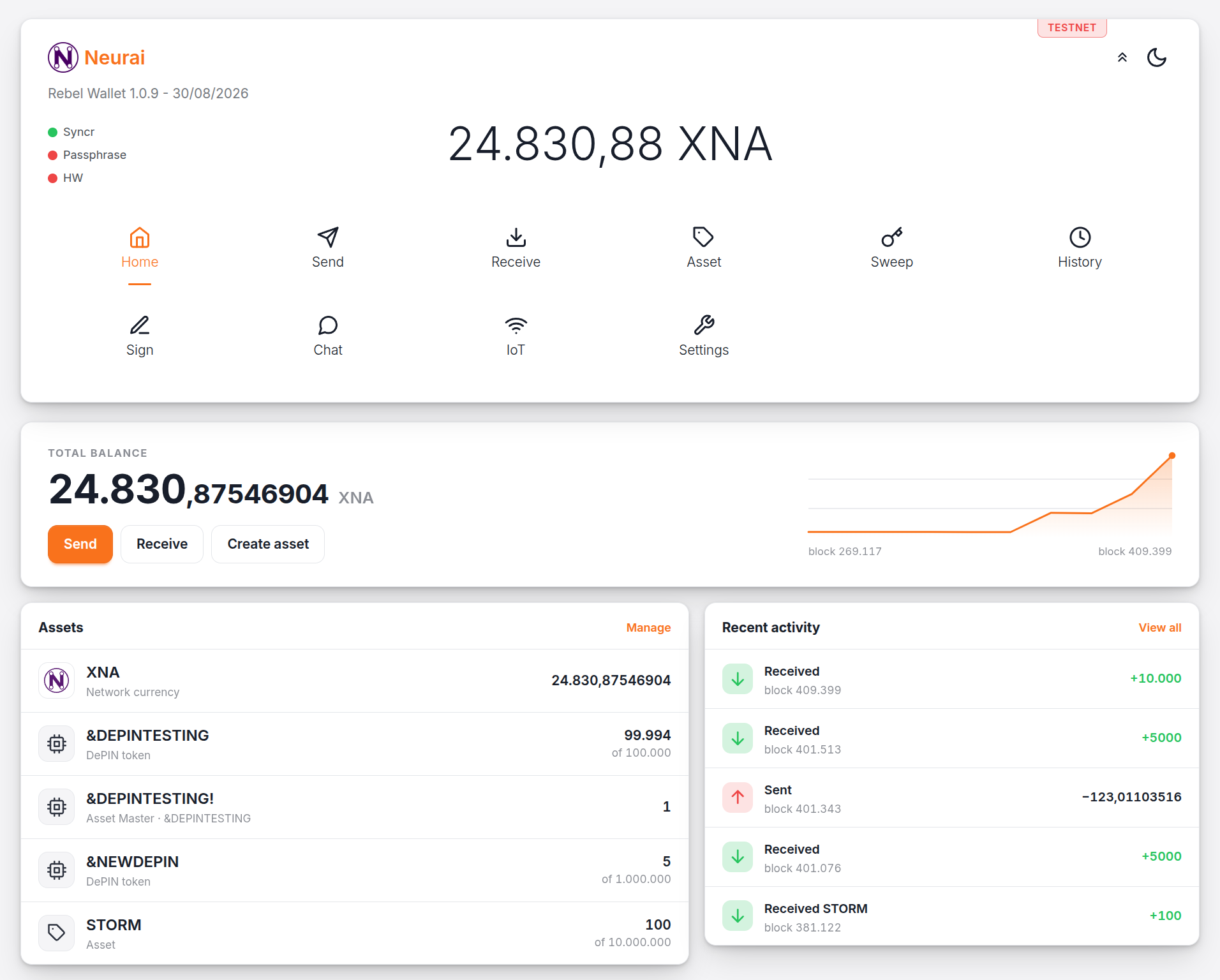
Runs entirely in the browser, with no install. Keys are derived and kept in the page, and transactions are signed locally before being sent through the public RPC proxy. The same wallet is deployed for mainnet and testnet, so you can try everything with test coins first.
- Send, receive, assets and sweep, plus Sign for message signatures, Chat for DePIN messaging and IoT for devices.
- Neurai HW: drives the ESP32 hardware wallet through the Web Serial API, so private keys never reach the browser at all.
- Best for: quick access from any computer, testing on testnet, and the hardware wallet.
- Mainnet: webwallet.neurai.org
- Testnet: webwallet-testnet.neurai.org
- Source · Guide: How to use the Web Wallet
OneKey
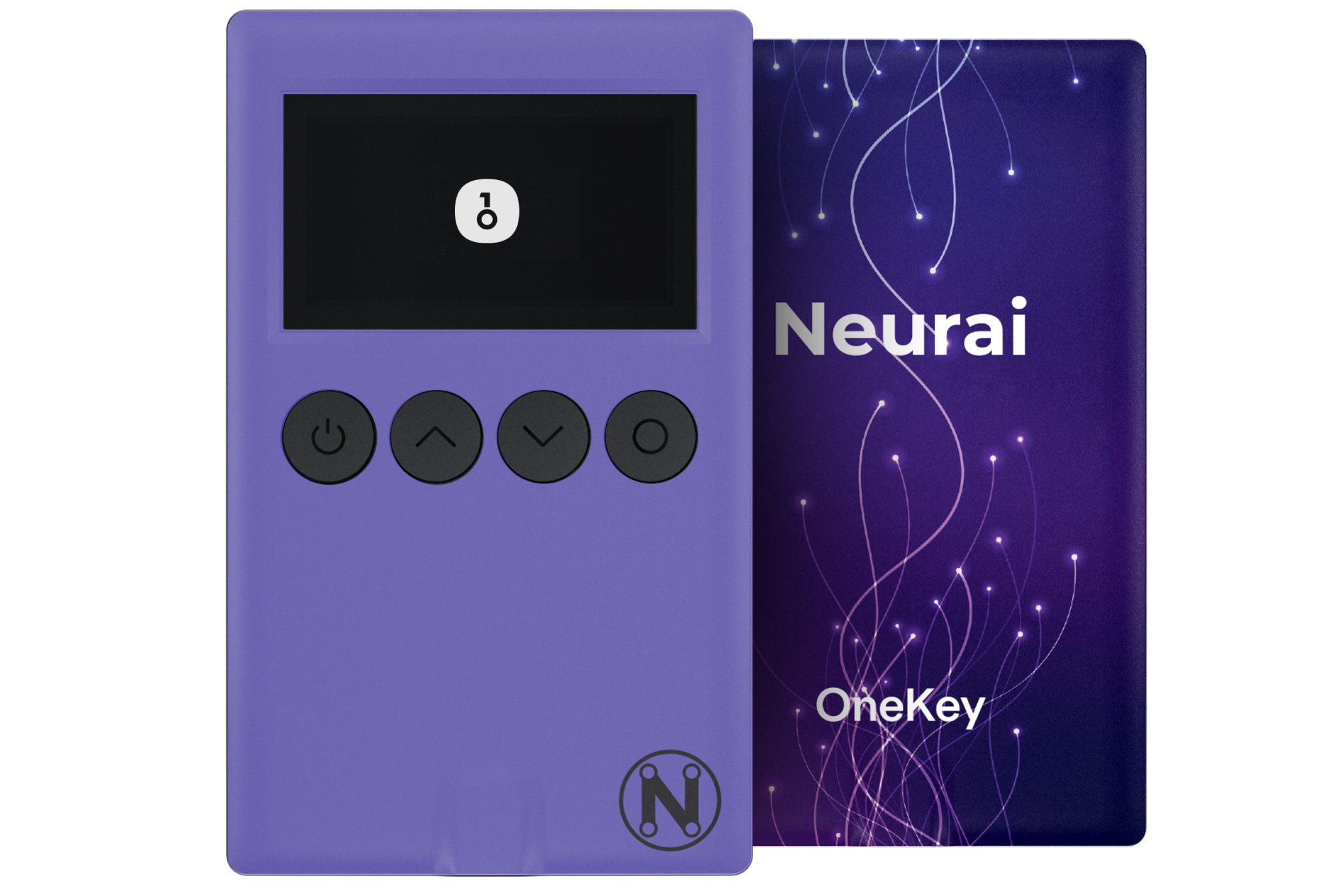
Commercial hardware wallet with native Neurai support, usable from the OneKey desktop, mobile and browser apps. Uses SLIP-44 coin type 1900.
- Best for: cold storage of XNA with a purpose-built device.
- Buy OneKey
- Guide: How to use OneKey
Build your own hardware wallet
The NeuraiHW firmware turns a LilyGo T-Display S3 or a similar ESP32 board into a signer with on-screen review, DePIN chat identity and post-quantum addresses. Flash it from the browser with the firmware flasher and use it from Neurai Wallet or the Web Wallet. Details in IoT development.